Pyro testing between Houdini and C4d

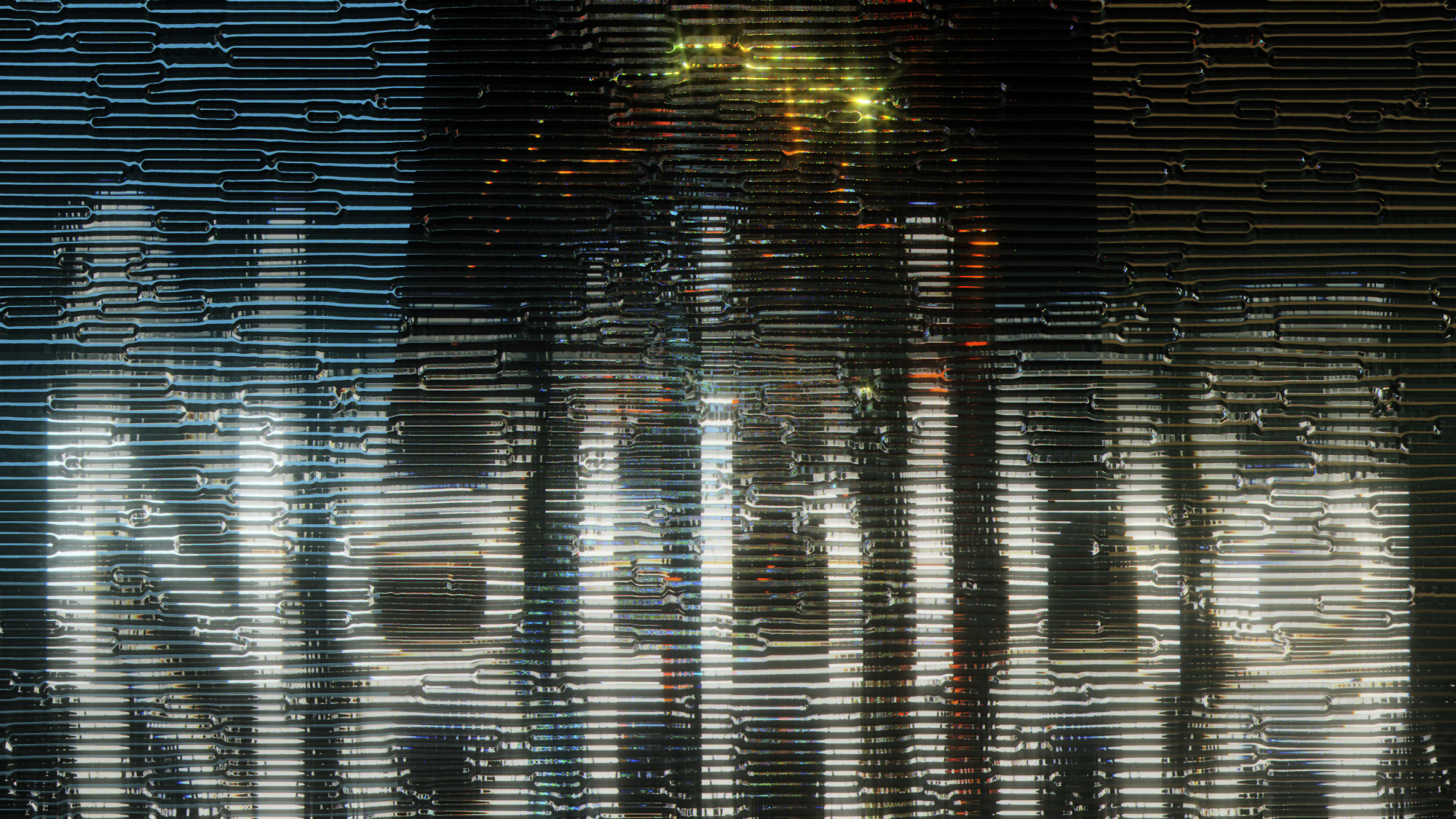
Doing some testing this weekend with Pyro sims and I noticed so interesting differences between how they look in Houdini / Redshift native and exported as VDBs into C4d / RedShift. This is part one, Houdini and Redshift native. It’s ugly and imperfect, but like I said I just wanted to test some things.

I like the C4d animation better. Has a more solid feel. But compare the stills and Houdini has more subtle things going on.

Next Step is to get the render settings and Post Effects more aligned and work up the textures of the grill to something more realistic. I was just happy to get this sim running cleanly like I wanted and in both programs in one day honestly.

Happy Weekend!

Hope everyone out there is having a great weekend. Here’s a fun little weekend looper.

Set builds

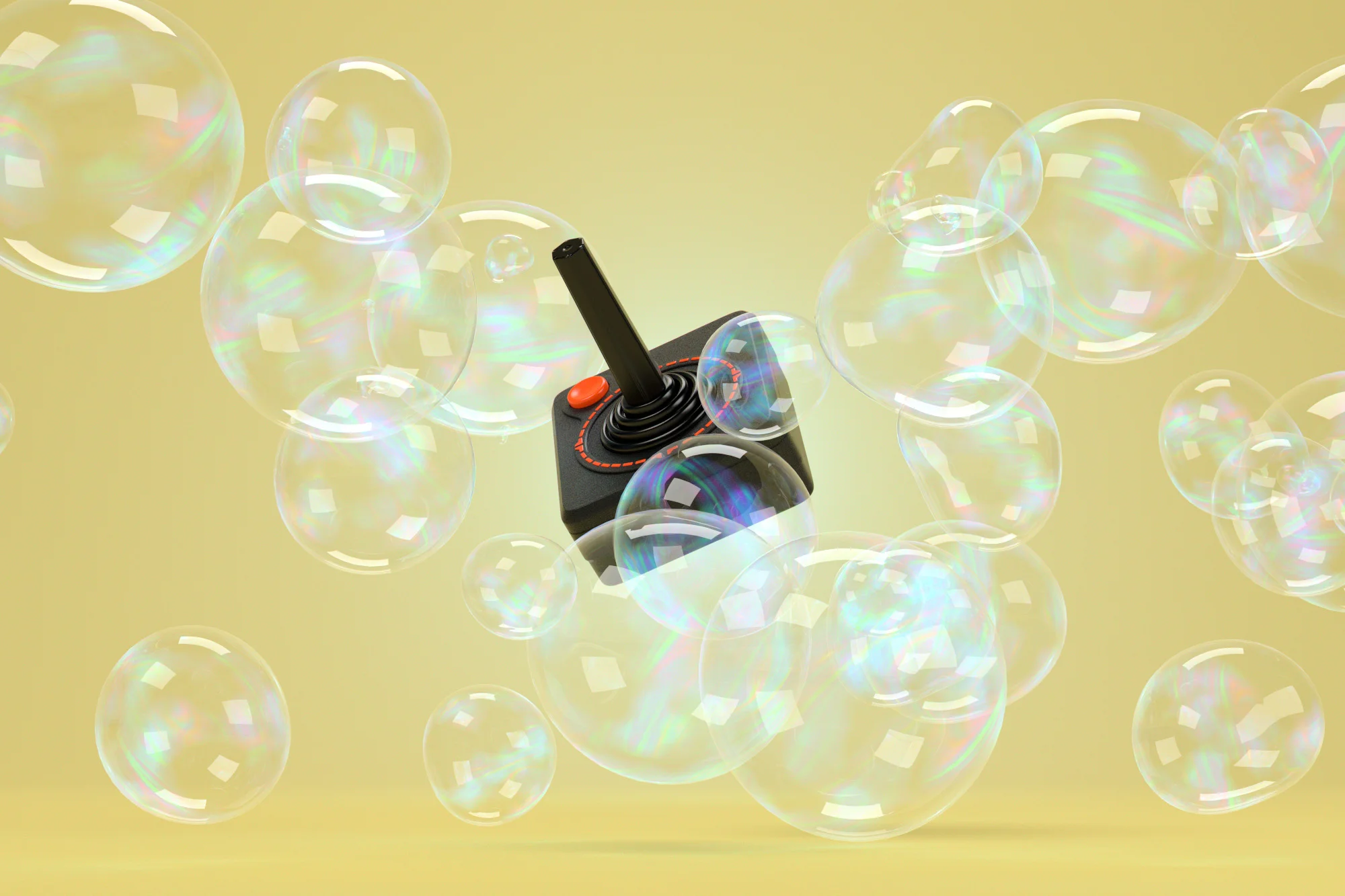
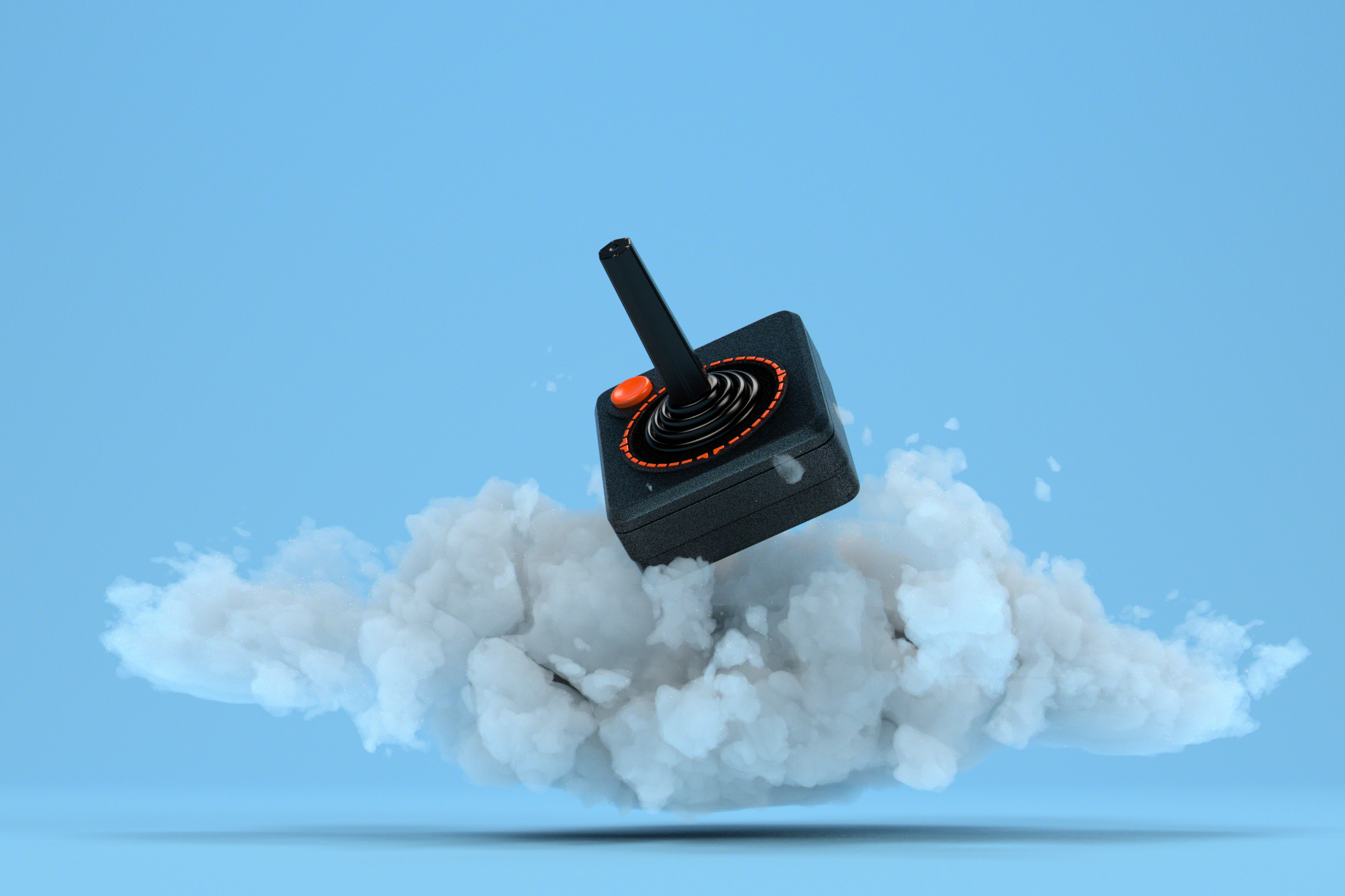
Thinking about maybe doing a daily series of images based around CG Set builds. Just some simple still life things that have a bit more commercial appeal then skulls and heavy dark shit. LOL! Anyways, yesterday I built out these two in C4d and Redshift just to get a feel for if I think it’s worth getting into. It’s that or go back and revist some older projects and figure out how to update them to C4d and Redshift. That would be a longer process but I would get to remake a ton of assests for the library so it’s a hard call.

Volumetrics innnnn sppppaaaaaaaaaacccceeeeee!

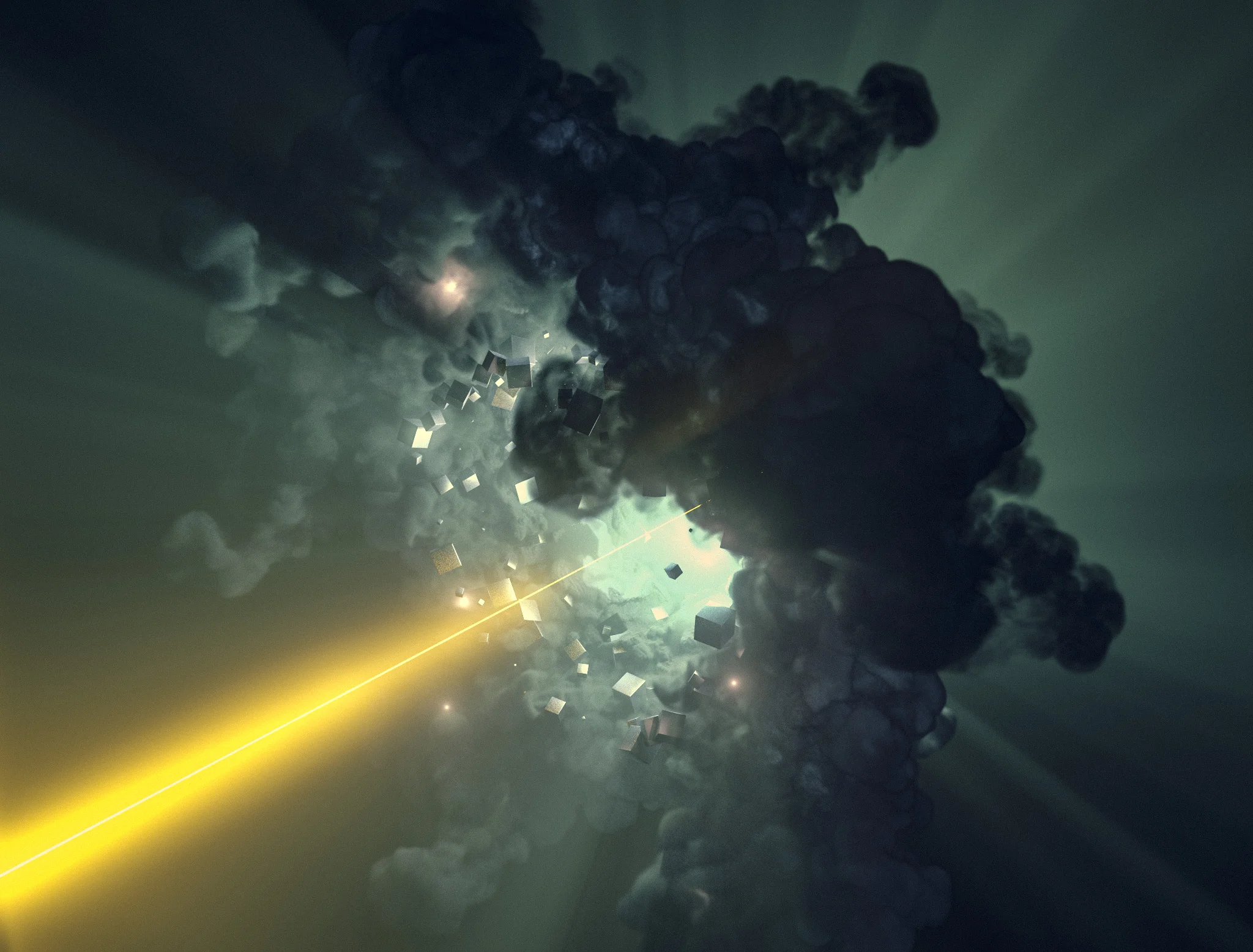
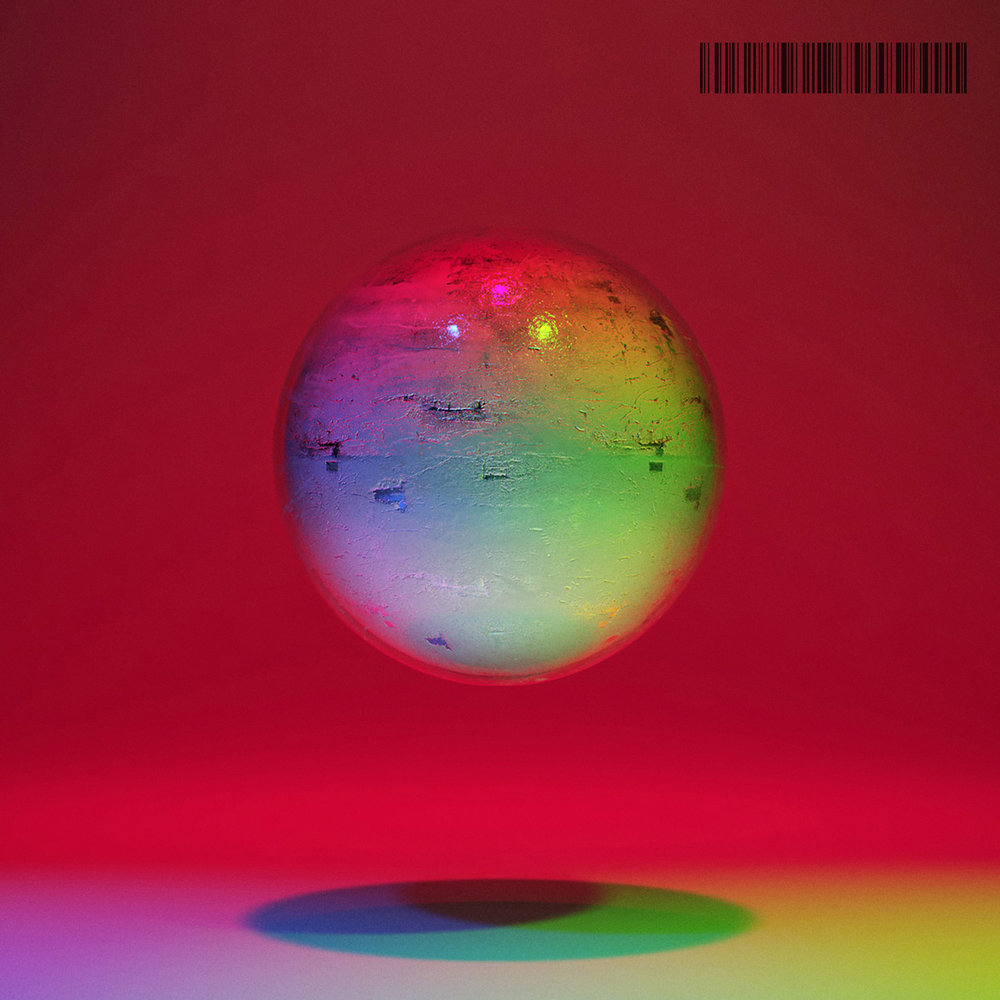
Worked up a volumetric study in C4d and Redshift last night. Was interesting to put the thing in a cloner and play with it that way. The cloner idea was from that LFO Desgin class I am taking ATM. Learning a ton from that, probably one of the best classes I have purchased and I have bought a tooooon of tutorials. He really explains what everything does instead of just walking you through entering numbers. That or my brain has exploded from Houdini and I am just happy to have a damn UI again instead of coding…..

Puck in Houdini

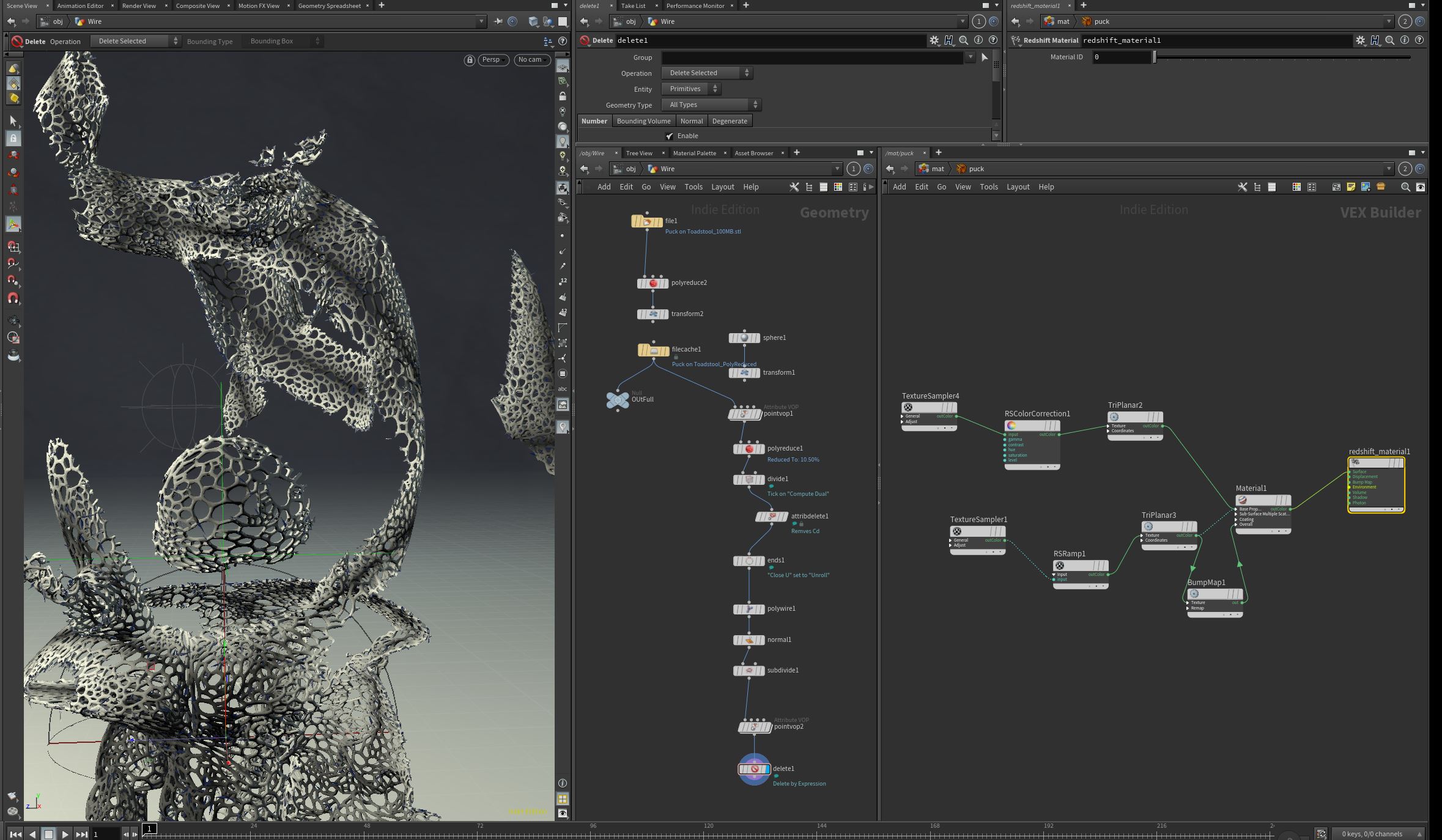
I was following along with this Houdini live stream the other day and thought it could be interesting to apply the Redshift stuff I have been learning to it but in Houdini. I actually got it all working and built out this creepy little puck statue. You can see the nodes for tight wires and how I textured the main Puck figure in the screen shots. Did the grading in Adobe Camera Raw to finish it off and that was a wrap at 10:30 or so, lol!

Recent progress

I have continued with more RedShift in C4d and have really been enjoying it. Went back to Houdini to mess around and ran into a bug where I can’t get the lights to look at nulls. I can load the null as a target and it will track it for the first movement and then it clears the field and drops the link.

No Idea.

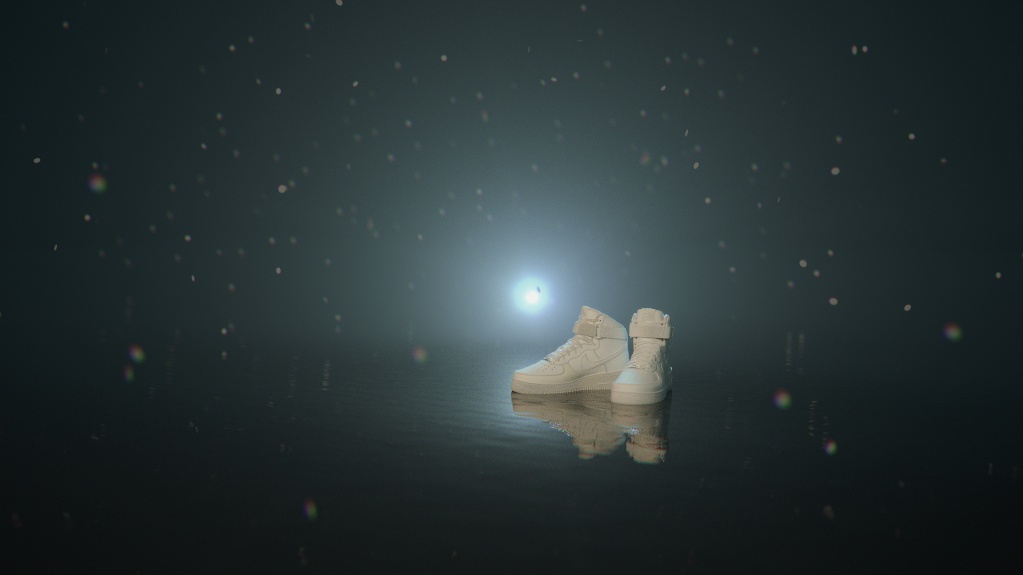
Then I tried to load a fbx file and what a freaking nightmare it is. Tried the first free solution below and it worked but a simple pair of shoes that in C4d is 4 pieces of geometry became over 150. So yeah, really frustrating. That said, being back in C4d has been really nice and easy. It’s nice not to have to break my brain to build out simple sets. So many possibilities with Houdini but it’s really frustrating to do simple ass shit.

Redshift is starting to really grow on me though. Everything works like I think it should. No abstractions or messed up ways of getting something done. Wire it up and it works. Octane is really, really easy but it does some things really quirky and non-standard. Plus, light linking is a joy in Redshift.

I will say gamma correcting scaler values is pretty abstract and should not be needed. That should be added on the programming level at the start of those channels. It is also not well documented as being needed for true representations of your textures.

Anyways, here are some of the things I have been doing along with the classes. Nothing special really but it’s nice to have a log of what I was building out. Some of these are just saved from the RenderView so I can find them later. A few are a bit more thought out ;)

One of the nice things to make is a default three point lighting set with Nulls as targets for the lights and camera. Set your GI and change the default render settings and bango, saves 5-10 minutes at the start of everything. Highly recommend building out one of those.

Also, Ramps are really, really, really important. Like use them on all the things.

Some Houdini OBJ stuff

Had a chance to start that RedShift Lesson from LFO Design last night and I am super happy with that purchase already. Lots of good general tidbits in there. In the meantime, the MoGraph Slack has been posting a bunch of great ways to bring in OBJs into Houdini I can’t wait to test out. Here is a free method for simpler models:

And here is a method that will do more complex models and match all the materials but it’s a shelf tool you have to buy. But at $50 it’s kinda a no brainer. OD Shelf Tools.

Can’t wait to dig into both of these at some point. But for now it’s all about RedShift, Redshift and a touch of Redshift…. maybe?

Busy busy busy

Trying to get caught up with work so the blog and Instagrams are a little thin ATM. My apologies. Going to shift from doing a lot of Houdini learning to a deeper dive into Redshift for a bit. Going to start off with this longer lesson from LFO Design that I came across from Lester Banks. Hopefully this weekend I’ll get to dig into it but in the meantime, I gots to go shovel more pixels in the pixel mine!

Site and email issues

We are currently having issues with our domain provider where they kindly deleted all of our DNS logs and won’t roll them back. So if you need to contact us please reach me at danklife at gmail dot com .

Update, we appear to be able to get and send emails again. Yay! Jeremy rules!

New Not Normals

I have always kinda kept my music and my art / work separate but I am kinda over that now. So anyways, here is a track I just mixed down from rehearsal last Wednesday. I experimented with a ton of side chain and parallel compression which I think helped get separation in the mix since it was all recorded live in the same room.

Foward & Backwards
New Not Normals

Tut example

Was just working my way through a tutorial by Arvid Schneider and I got it kinda working in RedShift so I just wanted to through the results up here. Want to redo it all with a different object and styling but I was happy with this result. I need to figure out how to solve the Highlight flickering in Redshift I keep getting. Was a problem in the raven skull smoke animation as well. Really distracting…..

Smoke imported back in C4d

Just wanted to bang out something in C4d where I brought a smoke VDB object into it from Houdini. Did the cheesy neon and Tron thing just to get something happening in there. Hopefully I can be forgiven. It’s a Sam Prekop lyric that was going through my head on Sunday. Redered in RedShift.

News and Updates!

The fun stuff first! Jeremy Wilkins of the band We Are Parasols did a lovely blog post on all the art work I have made for their band over the years. Check out the write up here, “ARTWORK BY DANIEL KOPTON (DANKLIFE) -OR- SPHERES, SKULLS, & LIGHT.”

I finally got a bit of time to start updating the portfolio as well and added a project we did for Sierra Nevada that needed landscapes and log cabins rebuilt. Pretty fun stuff.

Smoke interacting with objects

Yesterday I wanted to get some smoke to roll down a sweep, interact with a object and then have some wind come in to clear the set. This is where I ended up and I’d chalk it up as a success. I did not get into lighting or textures too much because I wanted to focus on the sim mostly. There is also some annoying flicker in the textures I need to look into fixing. Then I brought it into Resolve 16 and dove into some of the nodes for the first time. The Fusion part of Resolve I think I can sink my teeth into. Interesting stuff in there.

Smoke Study Part Two, colored and maybe animated

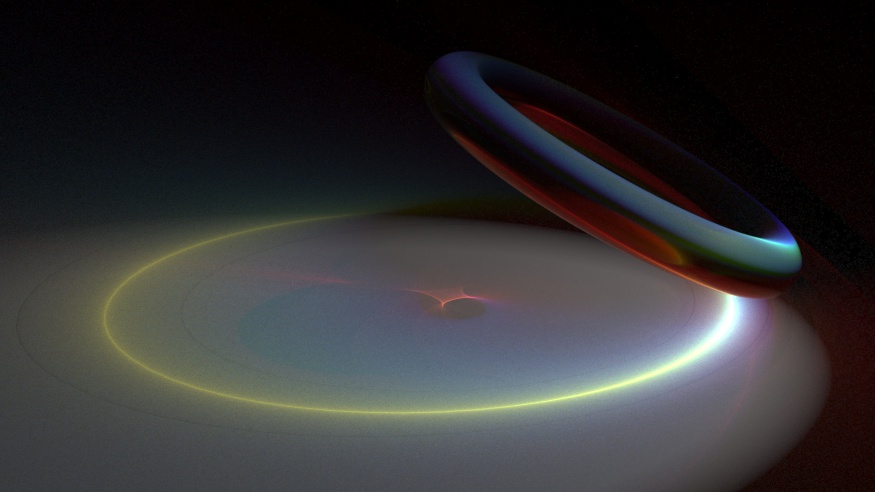
Still walking the road of smoke sims in Houdini and this is the latest still image from a hopeful animation. Maybe? Need to load it into Resolve and see how it works in there yet. Happy with the shape, color and movement. Torus with a mountain SOP on it for the smoke source.

Smoke Study: Houdini and Redshift

Been super busy with the work-a-day world but I was able to get a smoke sim built in Houdini over the past few days. Think that smoke sim is where I will be spending my time when I have the energy. Pretty happy with the shape and texture of this one. Learning how to art direct it is pretty tricky. Hoping to get into animations at some point but for now I’ll stick with still I think.

Fluid Source node in Houdini 17

If you are wondering where in the hell the fluid source node went to in Houdini 17, The genius behind Applied Houdini already has a explainer video for you here.

“Essentially it's a Pyro Source SOP (set to Source Smoke) to create points, an Attribute Noise SOP to mess up the density values a bit, and then a Volume Rasterize Attributes SOP to convert the points into a volume that can be read into the simulation with the new Volume Source DOP node, which needs only to be set to Source Smoke to work properly…”

There is a reason I do not have children

“What if I told you there was a paper on climate change that was so uniquely catastrophic, so perspective-altering, and so absolutely depressing that it's sent people to support groups and encouraged them to quit their jobs and move to the countryside? “

More on Vice and found VIA Metafilter

“Chiefly, that it's too late to stop climate change from devastating our world—and that "climate-induced societal collapse is now inevitable in the near term."

How near? About a decade. “

Podcast link here.